No products in the cart.
- Home
- >
- Shop
- >
- Brother Toner Cartridges
- >
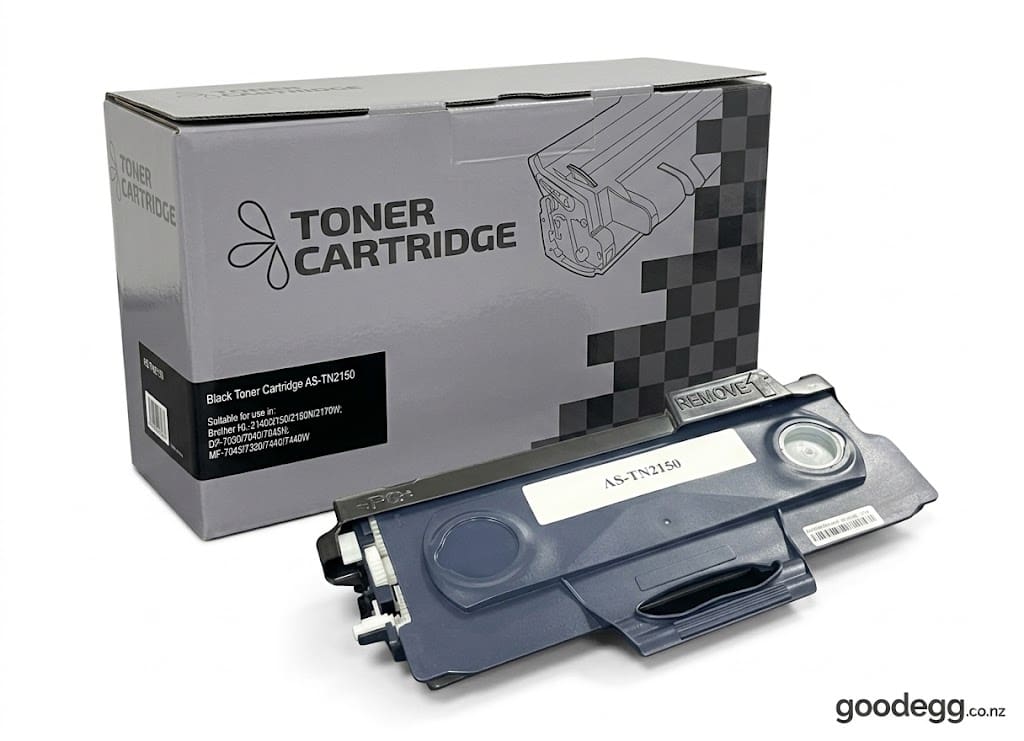
- Compatible Brother TN-2150 Toner Cartridge – Black, High Yield

Discount Prices | Fast Delivery NZ-wide | Free Shipping for orders over $95
Excellent 4.9 out of 5


Original price was: $62.59.$24.96Current price is: $24.96. incl GST
In stock
Buy 2 - 3: Save 5%
Buy 4+: Save 10%
| 💡 Why buy in bulk today? | |
| • | Lower your cost per page: Combat recent manufacturer price increases by bundling up. The more you buy, the cheaper every print becomes. |
| • | Unlock Free Shipping: Combine your items to reach $95 and avoid courier fees. |

Doing Business-Critical Printing?We’ve got you covered – the genuine version of this cartridge is also available at a discounted price. Ideal when you’re printing important business documents or reports. Check out the Genuine Brother TN2150 Black Cartridge
Aspect
AS-TN2150
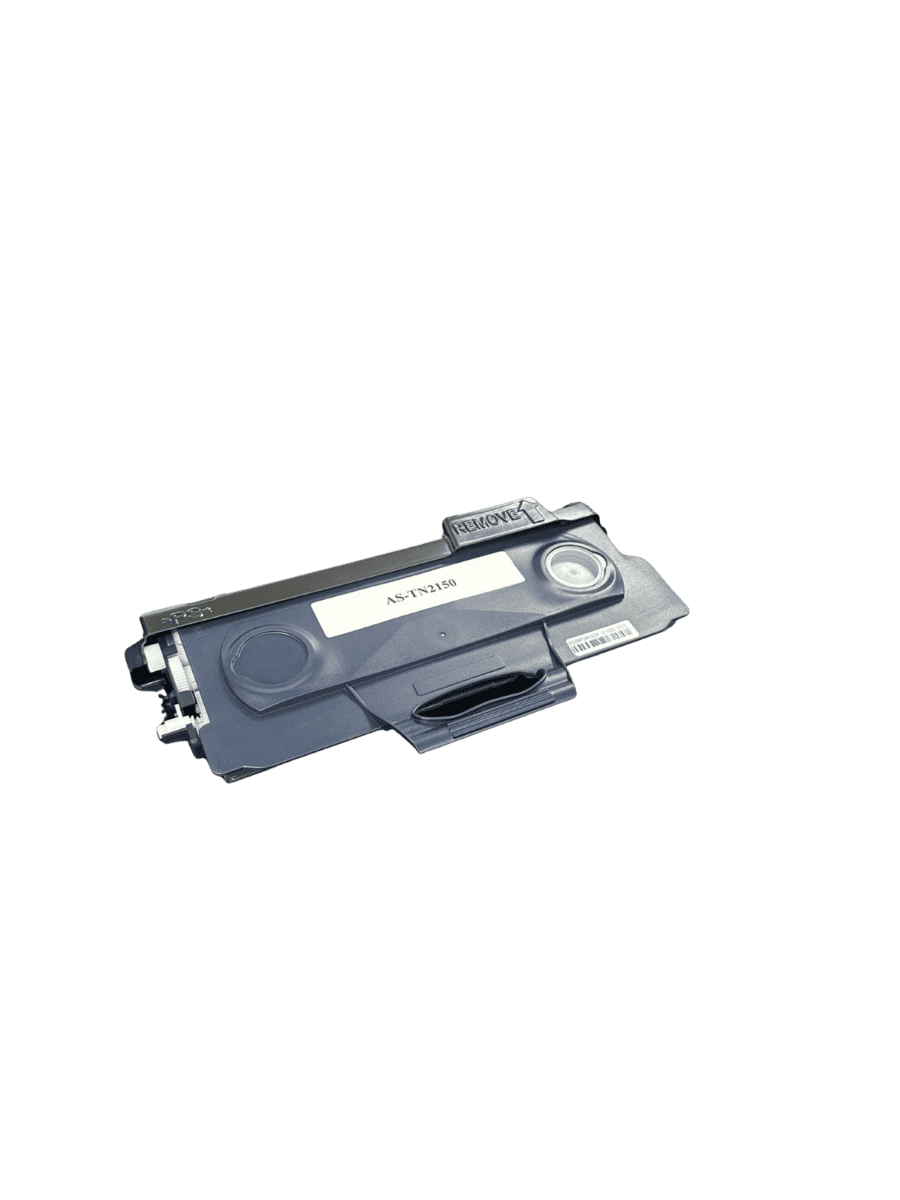
Premium ISO-Certified Brother TN-2150/TN-2130 Compatible Laser Printer Toner Cartridge. High Yield compatible Black toner cartridge for Brother laser printers; an economical generic alternative made to the same high standards as the genuine Brother product. Get professional-quality documents that rival the output from a genuine cartridge and save up to 70% on printing costs.
If you’re wondering whether to buy genuine or compatible cartridges, you’ll find this article helpful:Compatibles vs OEM Printer Ink & Toner: What’s Best for Your Needs?
We sell printer cartridges for use in printers made for and purchased in New Zealand. If you own a printer manufactured for a different market, these cartridges cannot be guaranteed to work due to different firmware settings.
12-month warranty – satisfaction or your money back.
We accept payment by Credit Card, Apple Pay, Google Pay and POLi Internet banking. Credit card payments are securely processed by Stripe using 256 bit SSL encryption to ensure your credit card details remain safe. No credit card information is stored on our site.
Enjoy FREE shipping NZ-wide on orders over $95 (excludes a few large printers and other heavy/bulky items). For orders under $95, flat rate shipping charges apply: $7.50 + GST for urban areas, and $12 + GST for rural areas. To determine shipping charges for your address, simply click on the Shipping Calculator link on the shopping cart page after adding items to your cart.
Get your order fast! Place it before 3 pm Mon-Fri for same-day shipping from Auckland (excluding public holidays). Typically deliveries to major New Zealand towns and cities take 1 to 2 days, while it may take a day or two longer for rural areas. Delivery of oversized printers that are too heavy for normal courier delivery is done by Mainfreight and may take a little longer on occasions. You’ll be notified when your order has been dispatched and provided with a tracking number so you can monitor the progress of your order.
TIP – How to Stay Compatible
Printer manufacturers are making it increasingly difficult for customers to use compatible inks and toners by pushing unsolicited automatic firmware updates which prevent printers from recognising non-genuine cartridges. The good news is that when such firmware updates occur, the suppliers of our compatible cartridges swiftly update their chips. This ensures that the cartridges sold by Good Egg are compatible.
To ensure future firmware updates don’t impact compatible cartridges you’ve purchased, we strongly recommend you change your printer settings so that automatic firmware updates (which are on by default) are disabled.
Firmware update settings are usually found under the “settings” or “maintenance” menu of your printer. To find instructions specific for your printer, check your manual or do a quick Google search of your printer model + “turn off auto updates”. For most printers it’s a quick and easy process.
If you’re considering using compatible cartridges, here are some key points to keep in mind:
Warranty
Using compatible cartridges does not automatically void your printer’s warranty. Under NZ law, a manufacturer generally cannot deny a warranty claim unless the non-genuine consumable caused the fault. For peace of mind, we stand by our products: if a cartridge supplied by Good Egg is proven to have damaged your printer, we will put it right. For more detailed information, read our full guide: Will Using Third-Party Ink Void My Printer Warranty?
Printer Firmware Updates
It’s no secret that printer manufacturers make their real profits from selling expensive genuine cartridges. To protect those profits, they often release automatic firmware updates designed to block compatible inks and toners.
We believe you should have the right to choose what goes into the printer you own - just like choosing which brand of fuel you put in your car.
How we handle it:
TIP: How to Protect Your Cartridges
The best way to ensure your cartridges keep working until they are actually empty is to disable Automatic Firmware Updates. If your printer receives an update while a compatible cartridge is installed, the manufacturer can "block" that cartridge instantly - even if it’s brand new.
How to turn off updates: Settings are usually found in the "Maintenance", "Setup", or "Service" menu on your printer’s screen. If you're stuck, just search online for your printer model + "how to turn off automatic updates" - it usually takes less than 30 seconds!
Order today and enjoy reliable everyday printing while saving money.
Add to cart now for fast NZ-wide shipping from Auckland.
Good Egg is a 100% NZ-owned and operated business.
Our promise to you:
